
Press Release
Press a button, and the glass right beside it gives way.
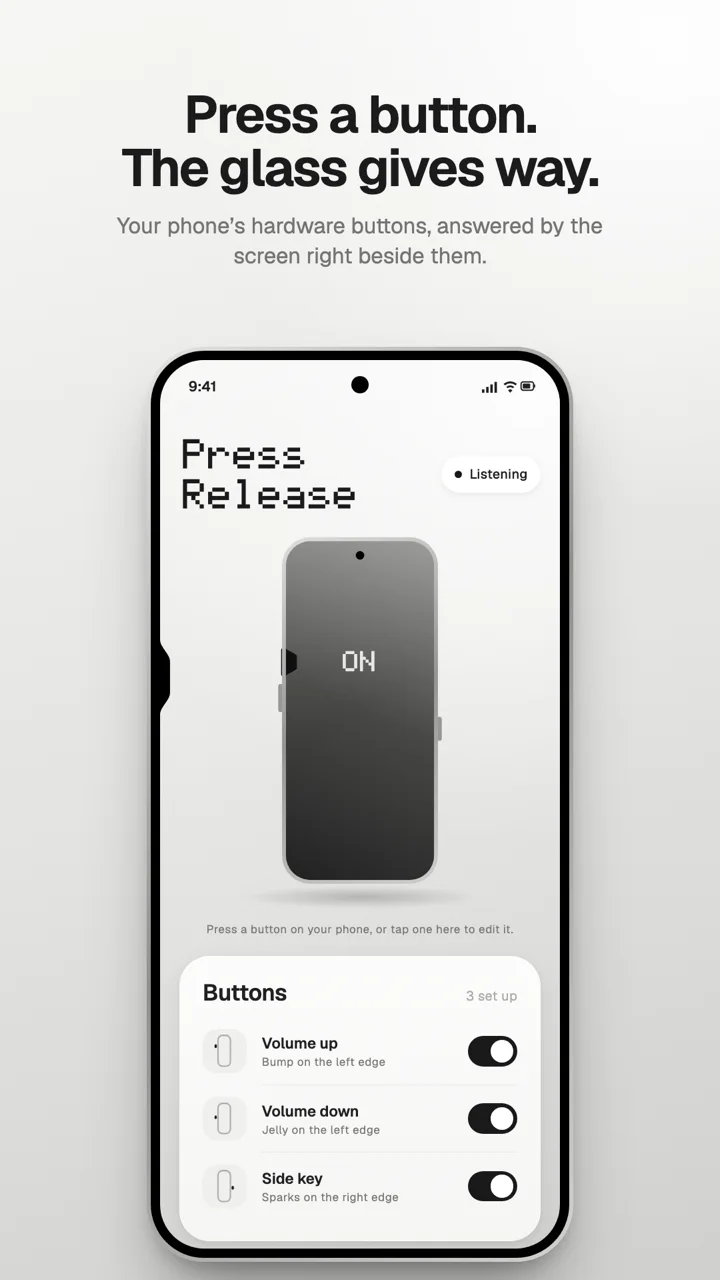
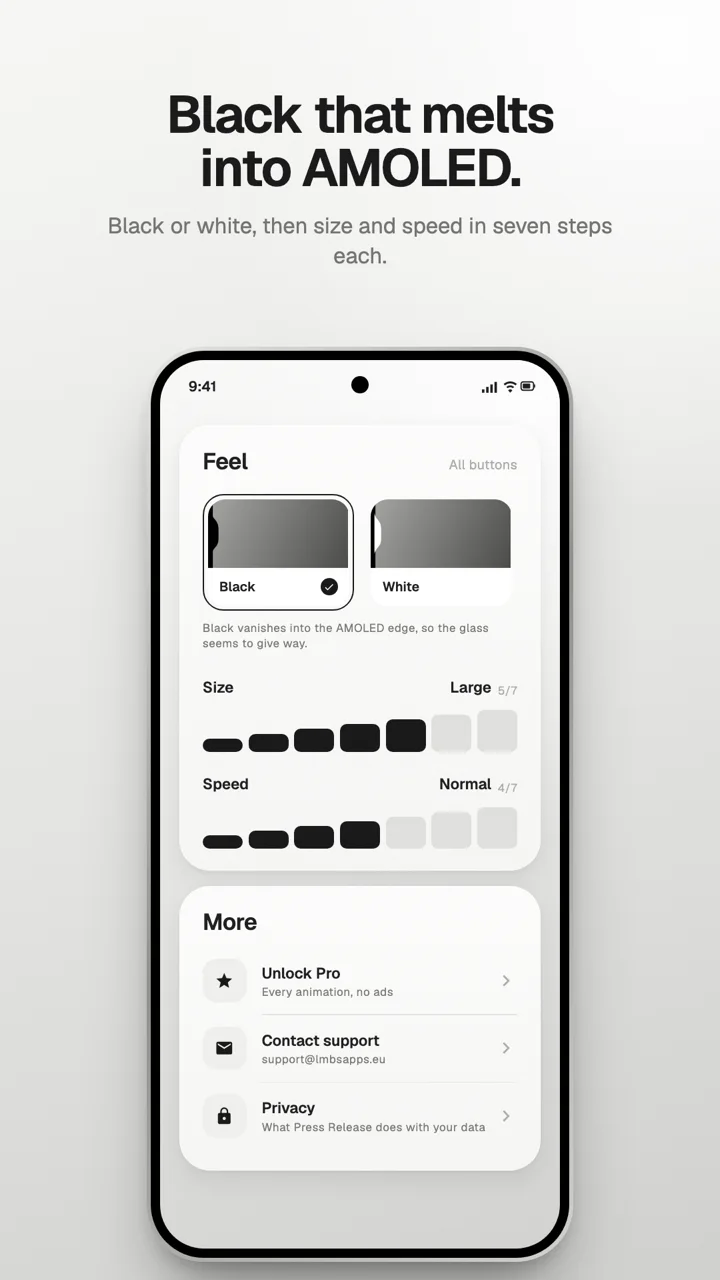
Phones have had real buttons on their sides for twenty years, and the screen has never once noticed you pressing them. Press Release changes that. Press volume up and the edge of the display right beside your finger gives way, the way it does on an iPhone, then springs back when you let go. It is a small thing. It is also the first time the button and the glass feel like one object.
The glass gives way
Bump is a dip with a flat floor and soft shoulders that pushes in as fast as your finger does and settles back with the barest overshoot. In black, on an AMOLED screen, the pixels it covers simply switch off, so the dip is indistinguishable from the frame: the display itself seems to bend. Hold the button and it stays pressed. It is free, and it is the one most people keep.
Eleven ways to react
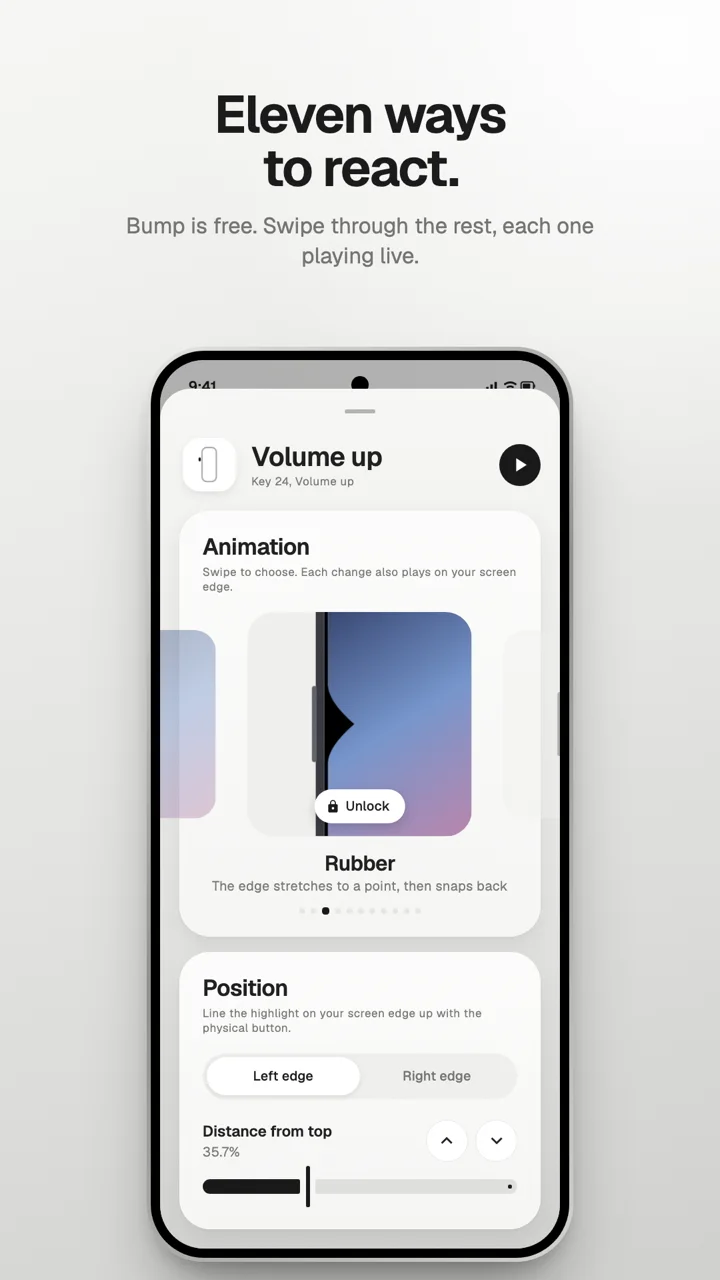
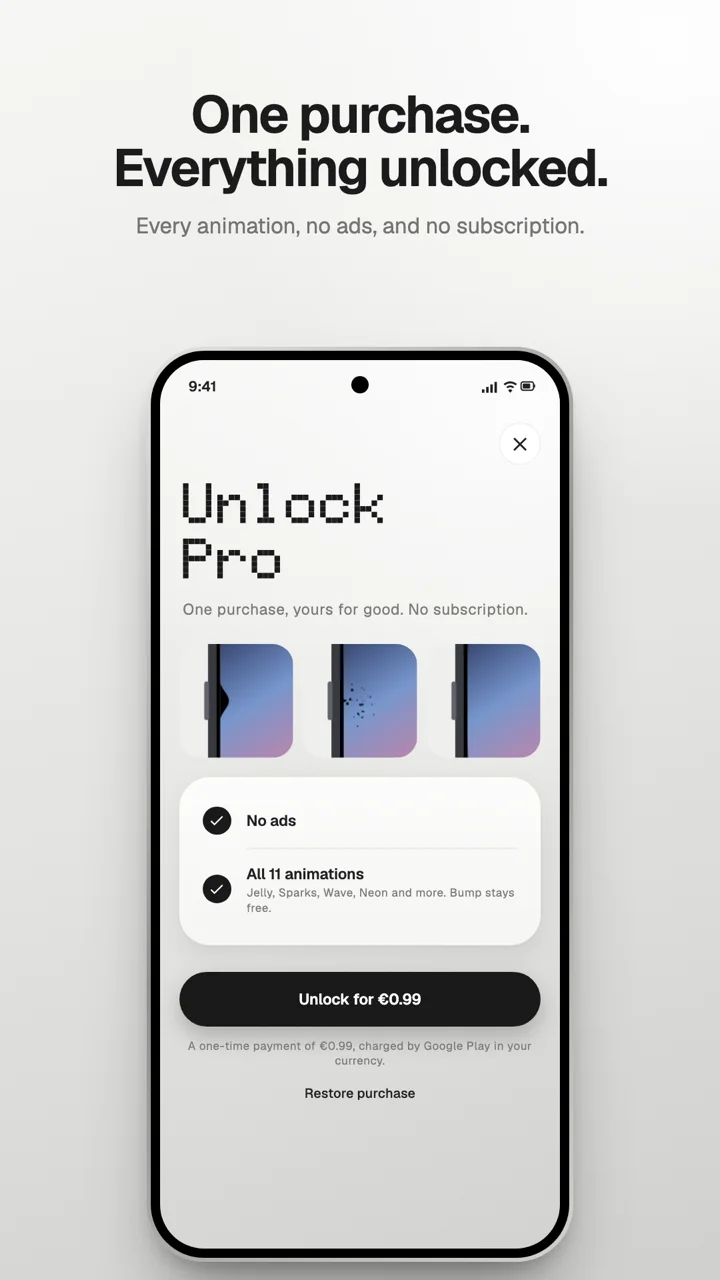
When the dip is not enough: Jelly, a soft blob that wobbles before it settles. Rubber, which stretches to a point and snaps. Wave, which runs along the edge away from your finger. Sparks, which keep flying for as long as you hold the button. Ripple, Glow, Neon, Pill, Dent and Beam. Every button can have its own, and every one is shown playing live as you swipe through them, drawn by the same code that draws it on your screen.
Lined up with your real buttons
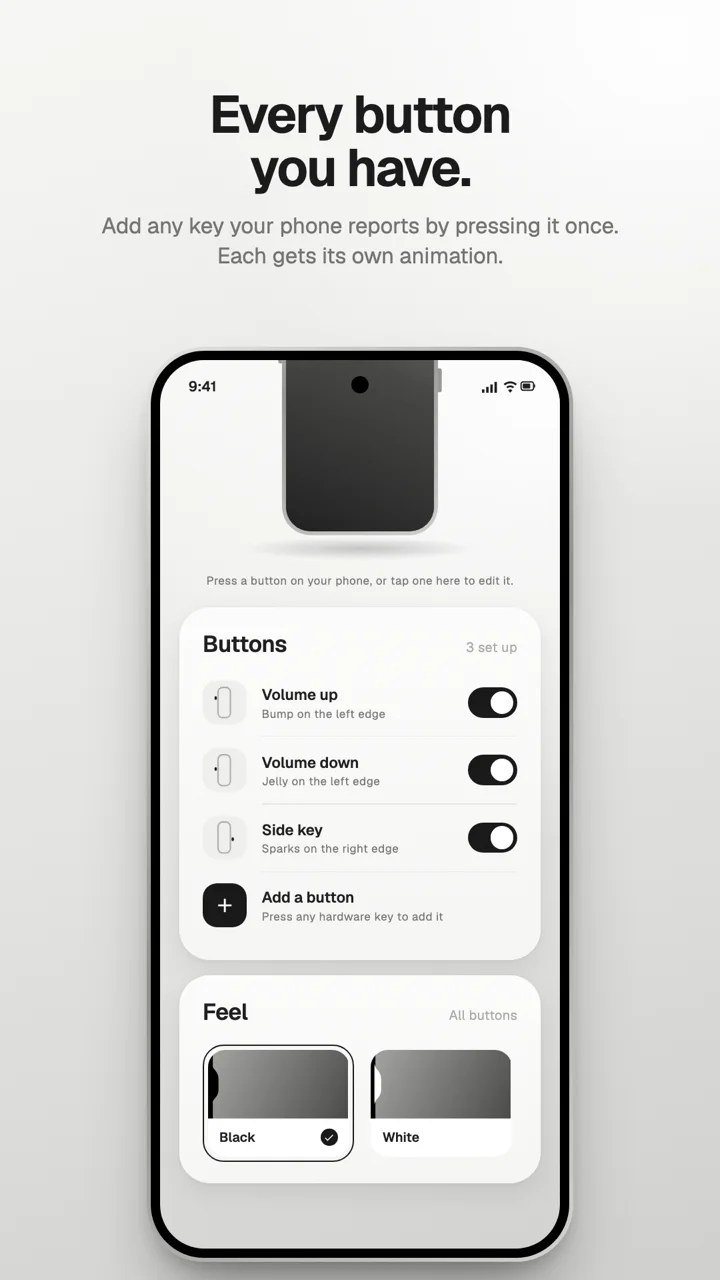
Add any button your phone reports, from the volume keys to the extra key some phones have, by pressing it once. Then line it up: a highlight on the real edge of the screen follows the sliders, and the arrows nudge it a quarter of a percent at a time, until it sits exactly beside the button. Size and speed come in seven steps each, in black or white.
Private by design
No account, no analytics, and nothing about your presses ever leaves the phone. Press Release uses Android's accessibility service for one thing: to know when a hardware button is pressed, so it can draw beside it. It cannot read your screen or what you type, and every press is passed on to your phone unchanged.
The free version shows a small banner from Google AdMob in the app's settings, after asking for your consent where the law requires it. One purchase unlocks every animation and removes the ads for good.
Android 12 and later.